See lehekülg ei ole veel teie keeles kättesaadav, seetõttu kuvatakse see inglise keeles.
E-labels for wine, spirits and food
Publish ingredients, nutrition and allergen information behind one QR code, in your shopper's language. Wine e-labels follow EU wine law; food and drink are outside the ESPR passport.
Wine e-label pack
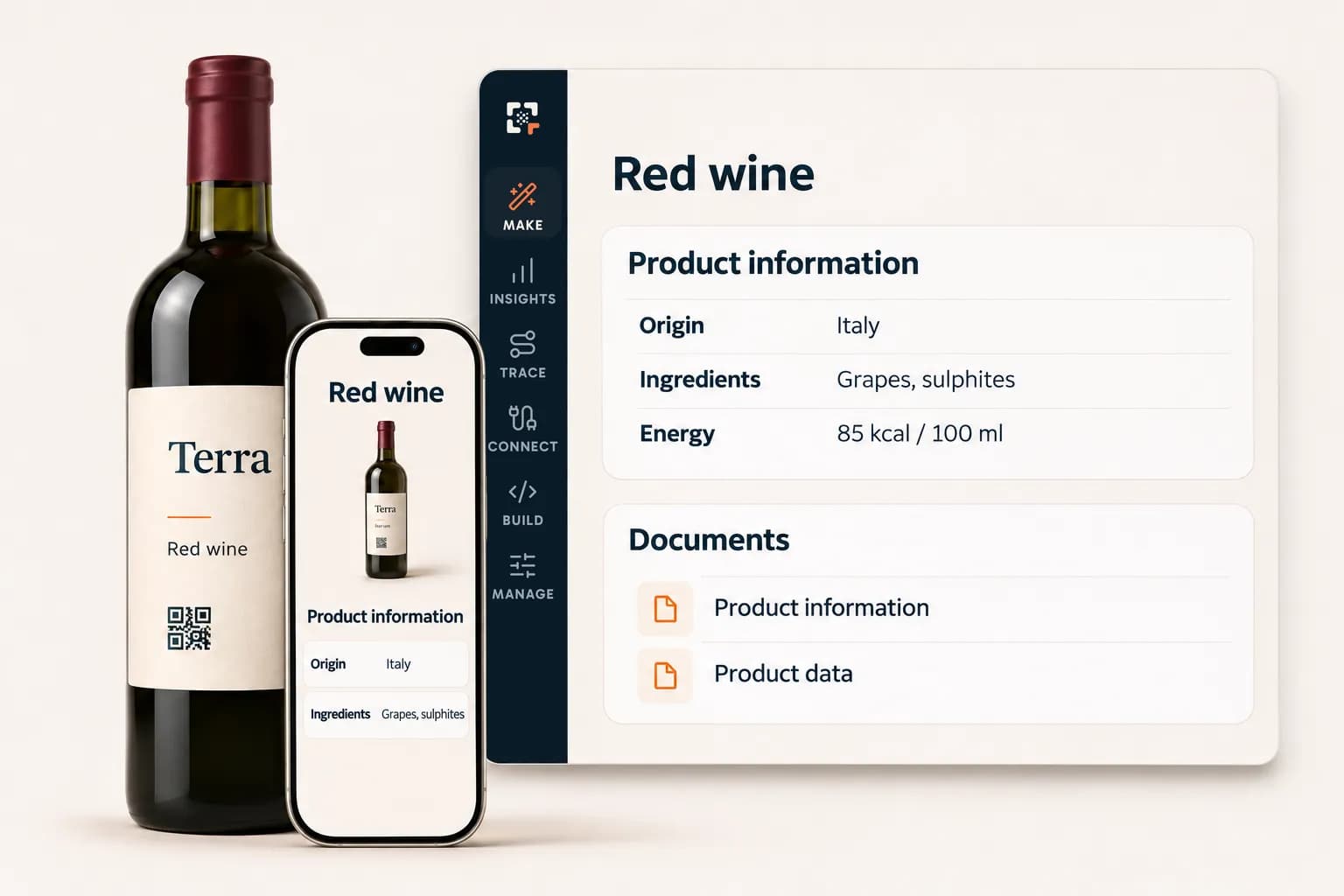
Fields for ingredients, the nutrition declaration and alcohol strength. Marketing blocks, visitor tracking and cookies are switched off on the label page.
Food information pack
Ingredients, allergens, the nutrition declaration, net quantity, best-before date, storage, origin and the food business operator.
Spirits, cosmetics and feed packs
Field sets for spirit drinks, cosmetics and feed additives, each with its own required fields.
In your shopper's language
Translate label content into EU languages, so one code serves every market you sell in.
Design and print
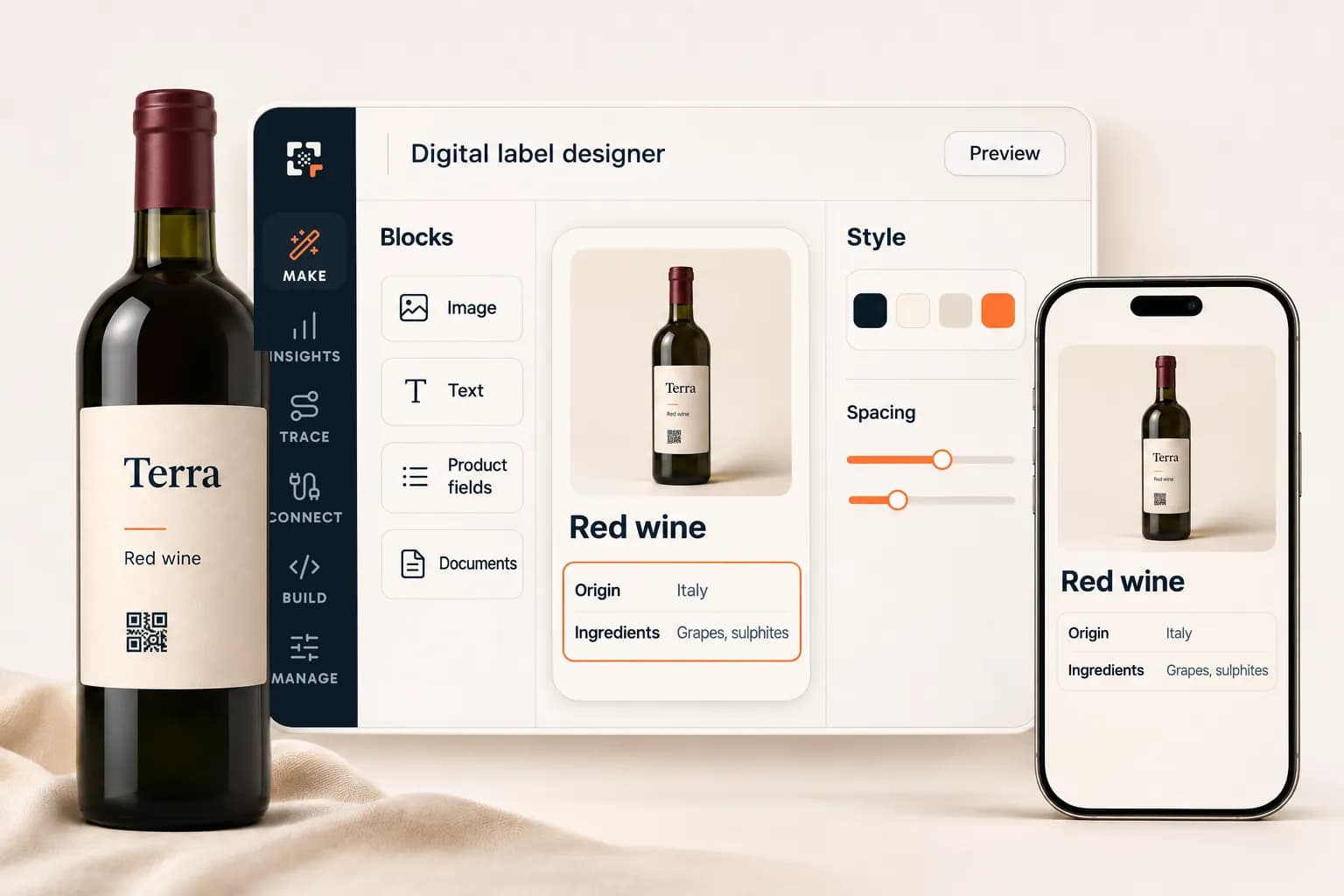
Design the digital label, style the QR code and lay out print labels in the physical label designer.
Recalls
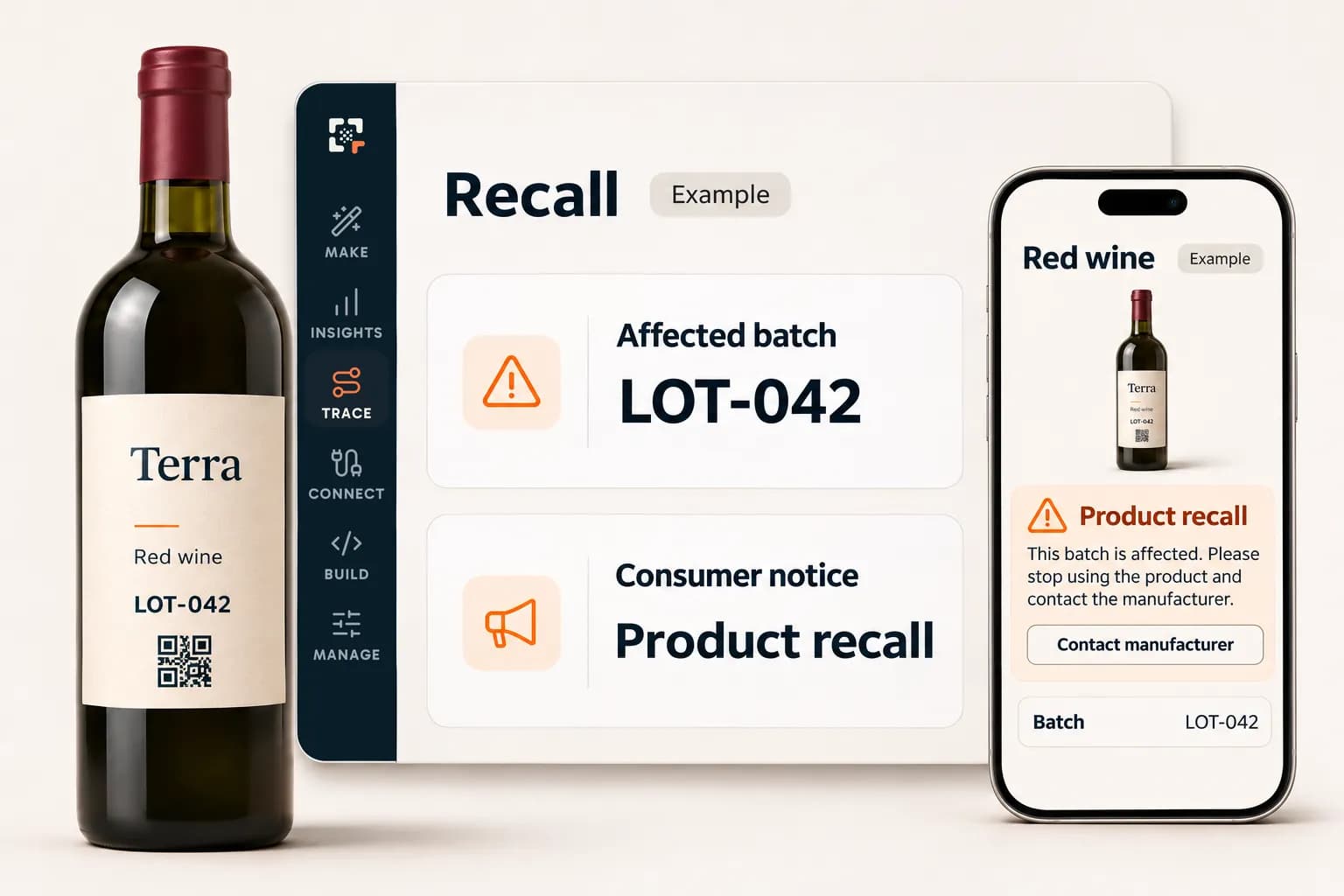
Start a recall and recalled products show a warning on their label page. Recalls come with the Track & Trace and Enterprise plans.
Who this is for
This page is for wineries, bottlers, spirits producers and food brands that sell in the EU, and for the label printers and consultancies that serve them. Cosmetics and feed have their own detail pages: cosmetics and feed.
Food and drink are not ESPR passport products
The ESPR, Regulation (EU) 2024/1781, is the law behind the EU Digital Product Passport. It does not apply to food or feed. In EU law, food includes drink, so wine, spirits and other beverages are outside it too.
Your digital label obligations come from food and wine law instead. QRabl uses the same platform for both worlds: the same QR codes, label pages and translations, with a compliance pack for each sector's rules.
Wine: e-labels under Regulation (EU) 2021/2117
Regulation (EU) 2021/2117 added a nutrition declaration and a list of ingredients to the compulsory particulars for wine. These rules apply since 8 December 2023. Wine produced and labelled under the old rules before that date may be sold until stocks run out.
An e-label is optional: you can print all of this on the bottle instead. If you choose an e-label, you can split the information between the bottle and an e-label:
- On the bottle: the energy value, which may be shown with the symbol "E", and any substances that cause allergies or intolerances. Allergens must always appear on the physical label.
- Behind the code: the full nutrition declaration and the list of ingredients, provided by electronic means identified on the label.
- On the e-label page: no sales or marketing information next to this information, and no collection or tracking of user data.
The same rules apply to aromatised wine products.
The 2026 wine package, Regulation (EU) 2026/471, adds two points. The Commission can set a common symbol or pictogram for the e-label link, and rules for its layout. And from 19 September 2027, wine made solely for export outside the EU is exempt from the ingredients and nutrition requirements.
What QRabl does: the wine e-label pack holds the ingredients, nutrition declaration and alcohol strength. On a wine label page it switches off marketing blocks, calls to action, the brand story, visitor tracking and cookies, so the page shows only what the rules allow.
The wine e-label pack
The pack holds the fields for a wine e-label: wine name and type, alcohol strength, provenance, bottler or producer, net content, the full ingredient list, the nutrition declaration, the energy value and a sulphites declaration. Optional fields cover the PDO or PGI designation, sugar content category, vintage, grape variety, serving temperature, allergen warnings and recycling information. Help text explains the key fields, such as the ingredient list, the nutrition declaration and the energy value, and the required fields are marked.
Add, review, publish
Add your wines one by one, or import them from CSV or Excel files. Fill in the ingredients and the nutrition declaration, review the e-label and publish it. You can create a product per wine or per vintage, so each bottle points to the data that belongs to it.
Codes and print
Style the QR code in the label editor. The codes are GS1 Digital Link-compatible. Lay out the bottle label in the physical label designer, with room for the energy value, the allergens and the code, and send it to your printer.
Spirits
Spirit drinks have their own labelling regulation, Regulation (EU) 2019/787. EU food information law does not require an ingredient list or a nutrition declaration for drinks above 1.2% alcohol by volume. If you choose to publish them, the spirit drinks pack gives you fields for sales denomination, geographical indication, alcohol strength, ingredients, allergens, nutrition, net quantity, business operator and origin.
Food
Regulation (EU) No 1169/2011 sets the food information consumers must get, including ingredients, allergens and the nutrition declaration. For prepacked food, that information must appear on the package or on a label attached to it. A digital label does not replace the pack. It adds to it: more detail, more languages, and updates without reprinting.
What QRabl does: the food information pack covers ingredients, allergens, the nutrition declaration, net quantity, best-before or use-by date, storage conditions, origin and the food business operator, with optional fields for organic certification, nutrition and health claims and packaging recycling. When something goes wrong, start a recall and recalled products show a warning on their label page (Track & Trace and Enterprise plans).
The problem with a large range
A few products fit in a spreadsheet. A large range does not, once recipes change, products sell in several countries and several people edit the same data. The same allergen has to be right on the pack, in the product sheet for your retailers and on your website. QRabl keeps that data in one place, with the fields the law asks for.
The food information pack
The pack covers the product name, the ingredient list, the allergen declaration, the nutrition declaration, net quantity, best-before or use-by date, storage conditions, the food business operator and the country of origin. Optional fields cover the lot number, preparation instructions, organic certification, a GMO statement, front-of-pack nutrition, serving size, alcohol content, date of freezing, nutrition and health claims, and packaging and recycling information. Help text explains the key fields and, where it applies, names the article of the regulation.
Allergens, emphasised
Beside the free-text allergen declaration, the pack has a checklist of the 14 allergens in Annex II of the regulation. Tick the ones a product contains. The label page lists them in the visitor's language and emphasises them in the ingredient list.
Import, review, publish
Import your products from CSV or Excel files, or add them one by one. The pack marks its required fields, so you can see what is still missing. Review each label, then publish it. When a recipe changes, update the product and publish again. The QR code on the pack stays the same, and the printed label must still carry the mandatory information.
Cosmetics and feed
Cosmetics labels follow Regulation (EC) No 1223/2009; the cosmetics pack covers INCI ingredients, period after opening and warnings. Feed labels follow Regulation (EC) No 767/2009; the feed pack covers composition, target species, analytical constituents and feeding instructions. Feed, like food, is outside the ESPR passport. See cosmetics and feed.
Also on the platform
- Evidence vault — keep certificates, lab reports and supplier declarations with the product, on Professional and above. See the evidence vault.
- Recalls — start a recall and recalled products show a warning on their label page, on the Track & Trace and Enterprise plans.
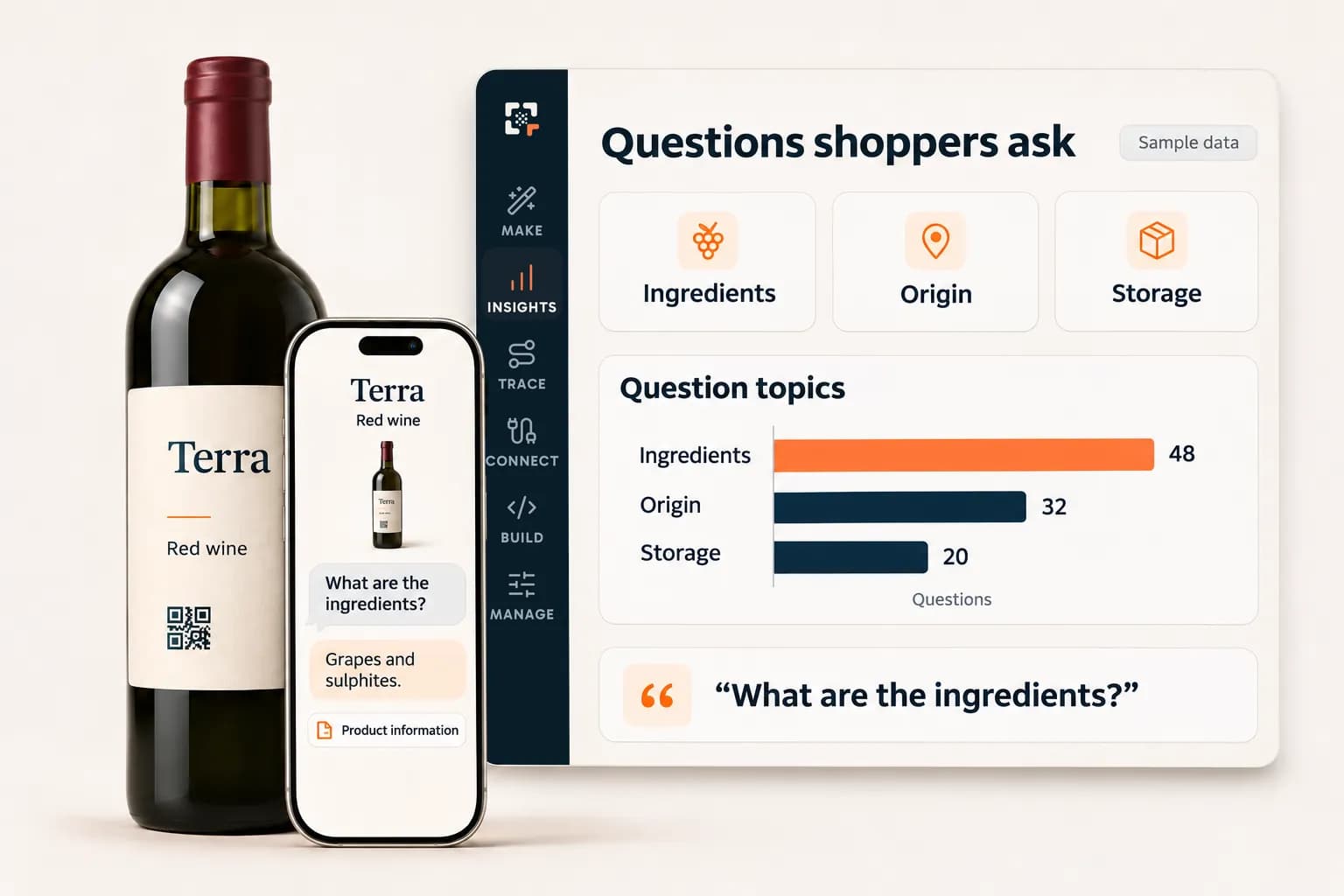
- AI answers shoppers from your own documents — Shoppers ask about care, allergens or repair. The AI answers from the documents you upload: manuals, allergen sheets, repair guides.
- Scan analytics dashboards — see which products are scanned, and where.
- Compliance reporting and export — a report of every product's label data for a retailer or an inspector.
- Custom domains — the code on the pack points to your own domain.
How it works
- Choose your pack. Wine, spirits, food, cosmetics or feed.
- Add your products. One by one, or import them from CSV or Excel files.
- Design the label. Use the label editor and style your QR code.
- Review and publish. Check the required fields, then publish the label page.
- Print the code. A GS1 Digital Link-compatible QR code goes on the bottle, pack or bag.
- Update any time. Change a recipe or a translation; the code on the pack stays the same.
Your labels are hosted in the EU, on our own servers.
The labelling rules stay your responsibility as producer, bottler or food business operator. QRabl gives you the fields, the help text and a clean page to show them on.
Next step
Self-service plans start on the pricing page. If you have a large range, several brands or an import file to map, book a consultation.