Níl an leathanach seo ar fáil i do theanga go fóill, agus dá bhrí sin tá sé ar taispeáint i nBéarla.
EPCIS 2.0 events and webhooks
Record what happens to your products along the supply chain in the GS1 standard format, and let your own systems hear about passport and recall changes.
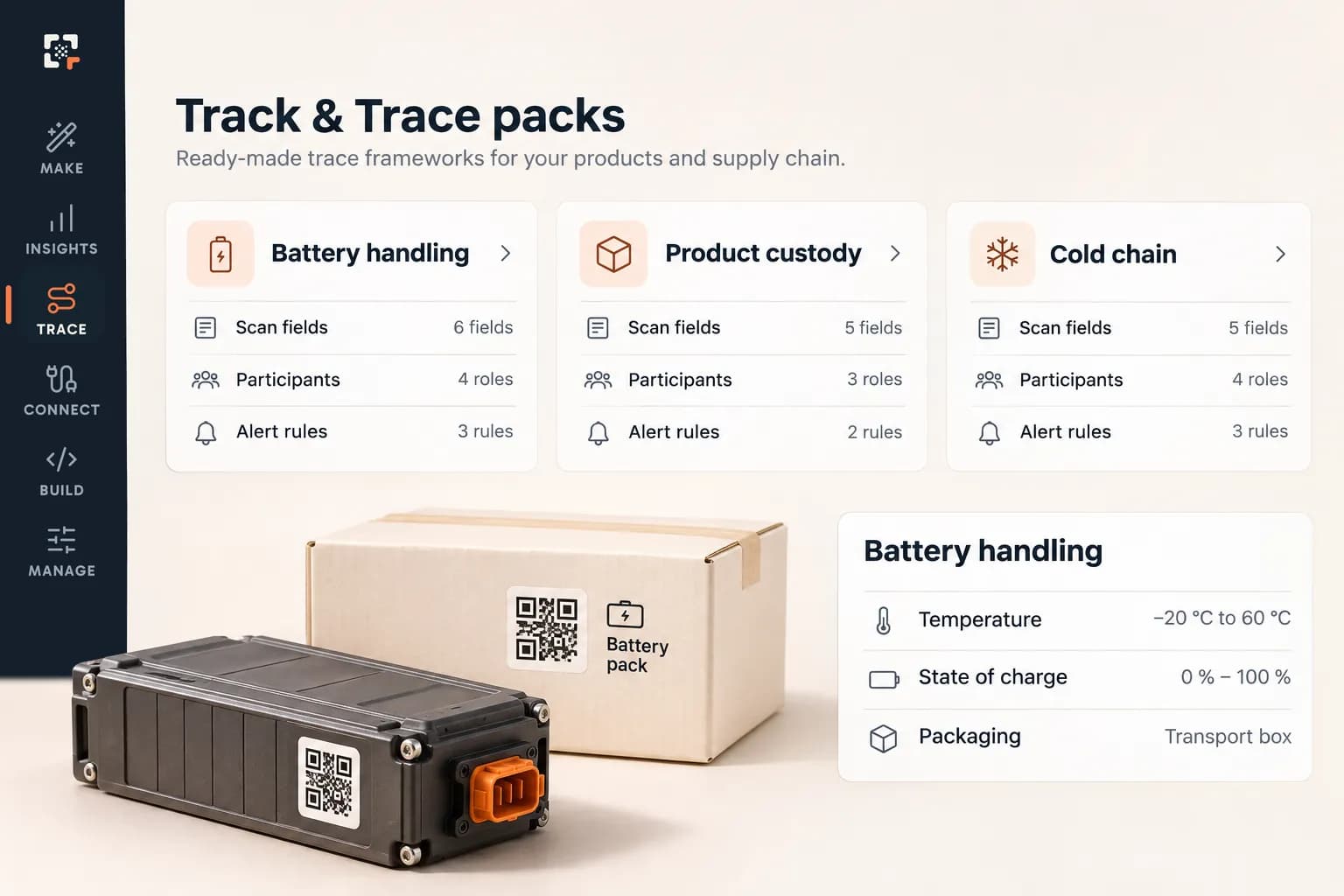
Commissioning, shipping, receiving
Object events record when an item comes into being, leaves a site and arrives at the next one.
Aggregation
Packing events link items to the case or pallet they travel in, so you know what was inside.
Capture and query API
Send events in EPCIS 2.0 JSON-LD and query them by event type, business step, time and identifier.
Signed webhooks
HMAC-signed, timestamped deliveries to your endpoint, with an ID on each delivery so you can drop duplicates.
Passport and recall events
Notifications when a passport is published or updated, and when a recall starts or is resolved.
Who this is for
Integrators and IT teams whose ERP, warehouse or production systems record when goods are made, packed and shipped, and who want that trail stored next to the product passport in a standard format. If you are reading this as a brand rather than a developer, start with EPCIS 2.0 and traceability.
What EPCIS 2.0 is
EPCIS is the GS1 standard for supply-chain events. Each event answers four questions:
- What — which items, by their identifiers
- When — the event time and its time zone
- Where — the read point and the business location
- Why — the business step (for example shipping) and the disposition (for example in transit)
QRabl uses the EPCIS 2.0 JSON-LD format and business steps from the GS1 Core Business Vocabulary, such as urn:epcglobal:cbv:bizstep:shipping. Your events use the same format and vocabulary as other EPCIS 2.0 systems.
The events
Commissioning
An object event with action ADD and the business step commissioning. It records the moment a serialised item comes into being for a product.
Shipping and receiving
Object events with the business steps shipping and receiving, plus where they happened. A transaction event can tie the same items to a business document, such as a purchase order or a despatch advice.
Aggregation
An aggregation event names a parent, such as a case or a pallet, and the items inside it. ADD packs them, DELETE unpacks them. When something goes wrong with one pallet, you can see exactly which items travelled in it.
Transformation
A transformation event records inputs used to make outputs, for example cells and a housing assembled into a battery pack. Inputs can be serialised items or a product class with a quantity, for bulk materials.
How events relate to batches and serials
- Product. The product model, identified by its GTIN, is the class every unit belongs to.
- Batch. A batch or lot groups the units made together. Events about bulk material name the product class and a quantity.
- Serial. A serial identifies one unit. Events about single items list them by identifier: an SGTIN or QRabl's own unique serial ID.
- Participants. Each supply-chain participant has a role: manufacturer, packer, shipper, receiver, warehouse, inspector, retailer, repairer or decommissioner. A scan by that participant is recorded as an object event with the matching business step, so a receiver's scan becomes a
receivingevent.
Put together, every serial gets one timeline of events, and every batch shows where its units went. That is what tells you which units to reach when you start a recall.
Capture and query
POST /api/v1/epcis/capturetakes an EPCIS document (epcisBody.eventList) or a single event, up to 100 events per request. It needs an API key withwritepermission.- Every event is checked before anything is saved. If one event is invalid, the request is refused with
422and a message per event. - Capture is safe to retry. An event you send again with the same
eventIDand the same content is skipped. The sameeventIDwith different content is reported as a conflict. GET /api/v1/epcis/queryfilters byeventType,bizStep, time range (GE_eventTime,LT_eventTime), identifier (MATCH_epc) andaction, withlimitandoffsetpaging.
Webhooks
Signed delivery
You register an HTTPS endpoint and choose the events you want. Each delivery is a JSON POST with the event name, a timestamp and the data.
- Signature. Every delivery is signed with HMAC-SHA256 using your webhook secret. The
X-QRabl-Signatureheader has the formt=<unix time>,v1=<signature>, and the signature covers the timestamp and the raw body. - Replays. Check the timestamp and refuse deliveries older than five minutes.
- Duplicates. Each delivery carries a unique ID in
X-QRabl-Webhook-Id, so you can ignore one you have handled before. - Retries. A failed delivery is retried.
- Safe targets. Endpoints that resolve to private or internal network addresses are refused.
Passport and recall events
- A passport is published or updated
- A recall starts or is resolved
- A value recorded at a supply-chain scan, such as a temperature, crosses an alert threshold you set
Try it
Sandbox access is on request, after an NDA. Tell us in your request that you want to work with EPCIS events or webhooks, and we will tell you what you can test. See Sandbox access and the API reference.