Níl an leathanach seo ar fáil i do theanga go fóill, agus dá bhrí sin tá sé ar taispeáint i nBéarla.
One printed address, the right answer for every reader
The QR code on your product carries a GS1 Digital Link-compatible address. A phone gets the passport page in the shopper's language. A system gets structured data and typed links.
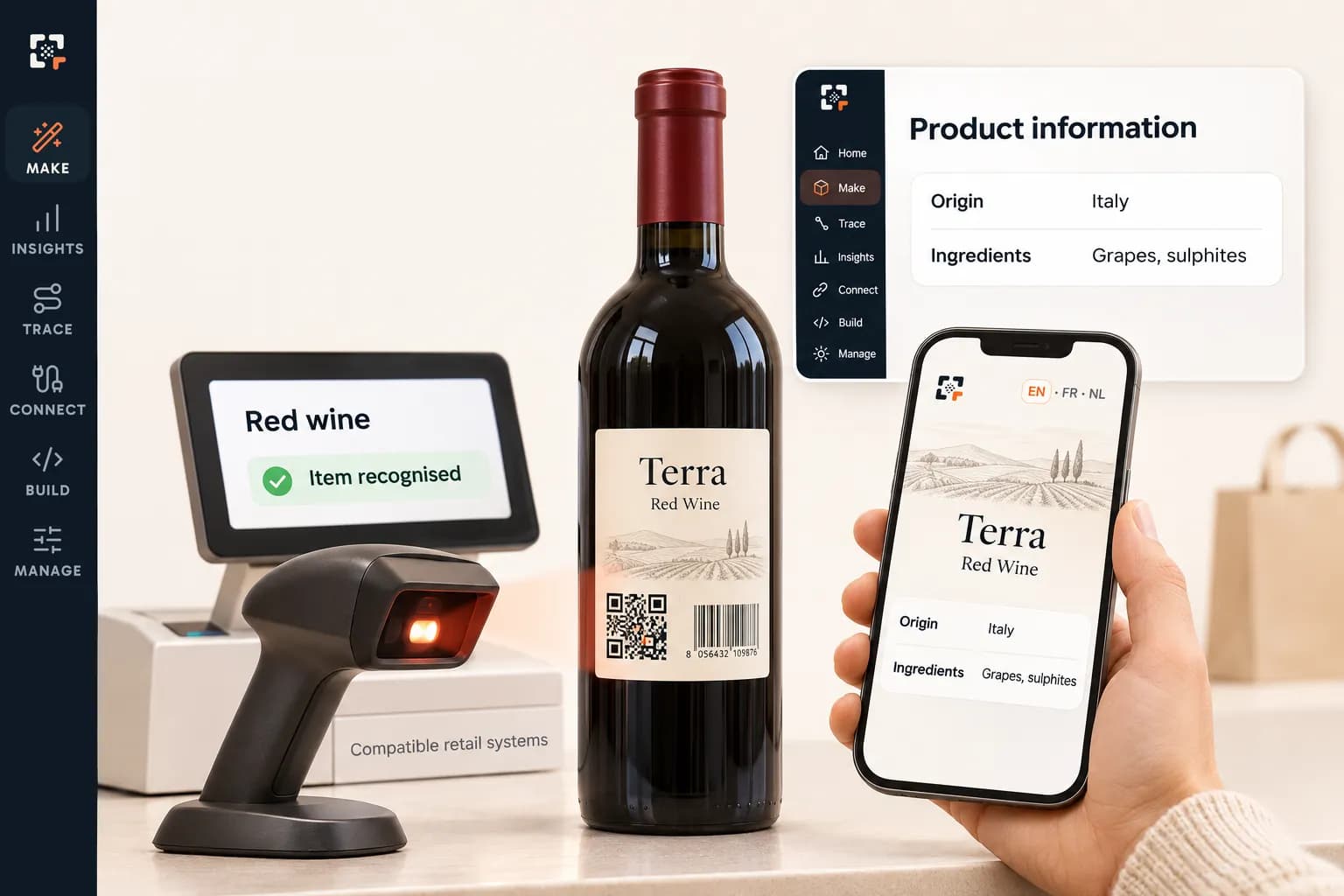
GS1 Digital Link paths
Codes use the /01/{GTIN} path, with variant, batch and serial number as qualifiers. Paths in a non-standard order are redirected to the canonical form.
One address, several answers
A browser is sent to the passport page. A system that asks for JSON or a GS1 linkset gets structured data from the same address.
Typed links
Product information page, passport, sustainability and certification information, and recall status, each published as its own link.
Short links
A label can also use a short link, which suits small codes. It opens the same page as the full address.
The shopper's language
The page opens in the language set on the shopper's phone, or the one named in the link.
Signed codes
Each code carries a digital signature, so a scanner can check that the brand issued it.
JSON-LD on every plan
A system that asks for JSON-LD at the /01/ address gets the passport as JSON-LD. This works on every plan, Free and up.
Who this is for
Brands that print codes on their products, and the printers, integrators and developers who work with them. When a shopper's phone, a retailer's system or an inspector's tool reads one of your codes, this is the part of QRabl that answers.
The problem
A printed code lasts as long as the product. It has to keep working when you redesign your website, when you change the passport layout and when the reader is a machine, not a person. A plain link to a marketing page can do none of that. It also can't tell a shopper from a system that needs data.
How the address is built
Every QRabl code points to an address that follows the GS1 Digital Link structure:
/01/followed by the GTIN identifies the product./22/,/10/and/21/add the variant, the batch or lot, and the serial number, in that order.- Other data, such as an expiry date or a net weight, goes in the query string.
If a code was printed with the qualifiers in another order, the resolver redirects it permanently to the canonical address instead of failing. Input it can't make sense of gets a clear error, not a wrong page.
When the address carries a batch or serial number, the resolver passes it on to the page. The passport can then show batch details, such as the expiry date, and a recall can target only the units it covers.
You use GTINs licensed from your GS1 member organisation. QRabl resolves them; it doesn't issue them.
One address, several answers
The resolver looks at what the reader asks for:
- A phone or browser is sent to the label's page: the Passport view or the Experience view, whichever you set for that label. Change the setting and the next scan follows it. The printed code stays the same.
- A system that asks for JSON gets the product described with the GS1 vocabulary: the GTIN, the qualifiers, the GS1 element string and the product name.
- A GS1 resolver client that asks for a linkset gets the list of links for the product in the linkset format.
Every answer also carries Link headers that point to the passport in JSON-LD, the recall status and the product information page. A machine finds them without reading the body.
JSON-LD for machines
A system that asks for JSON-LD at the /01/... address (Accept: application/ld+json) gets the passport as JSON-LD. The same address also serves a GS1 linkset. This works on every plan, Free and up.
Link types
The resolver publishes links for:
- the product information page (
gs1:pip) - the digital product passport, including its JSON-LD version for machines
- sustainability and certification information (
gs1:sustainabilityInfo,gs1:certificationInfo) - whether the product is under recall (
gs1:recallStatus) - where a scan goes when the reader asks for nothing more specific (
gs1:defaultLink)
A linkType query asks for one of them directly. The resolver also publishes a description of itself at /.well-known/gs1resolver, as the GS1 Digital Link standard describes, listing the link types it supports.
Short links
A label can also use a short link at /s/{code}. It opens the same Passport or Experience view as the full address. A short link for a label that is unpublished, switched off or expired opens a clear "not found" page, never stale data.
Protection against misuse
- Ownership checks. A GTIN belongs to one brand. If two workspaces publish the same GTIN, the resolver checks which one holds the verified GS1 Company Prefix. If it can't tell, it refuses to guess and shows a neutral page, and the conflict is logged. Publishing someone else's GTIN doesn't capture their scans.
- Rate limits. Public scans are rate-limited per network address, which limits floods and scraping.
- Signed codes — a digital signature in the code lets a scanner check that the brand issued it, and a revoked serial number is refused on scan.
What we say and what we don't
The resolver is GS1 Digital Link-compatible. QRabl is not certified by GS1, and we don't use GS1 logos. What we describe on this page is how the resolver behaves.
Next step
Developers can read the API documentation for the passport endpoints behind these links. A sandbox is available on request after an NDA: request sandbox access. To plan codes for your own products, book a consultation.