Această pagină nu este disponibilă în limba dvs. deocamdată, deci este afișată în limba engleză.
Construction products: declarations of performance behind one QR code
The new Construction Products Regulation applies from 8 January 2026. Put the declaration of performance, the product data and the installation information behind one code, and keep them current.
Declaration of performance
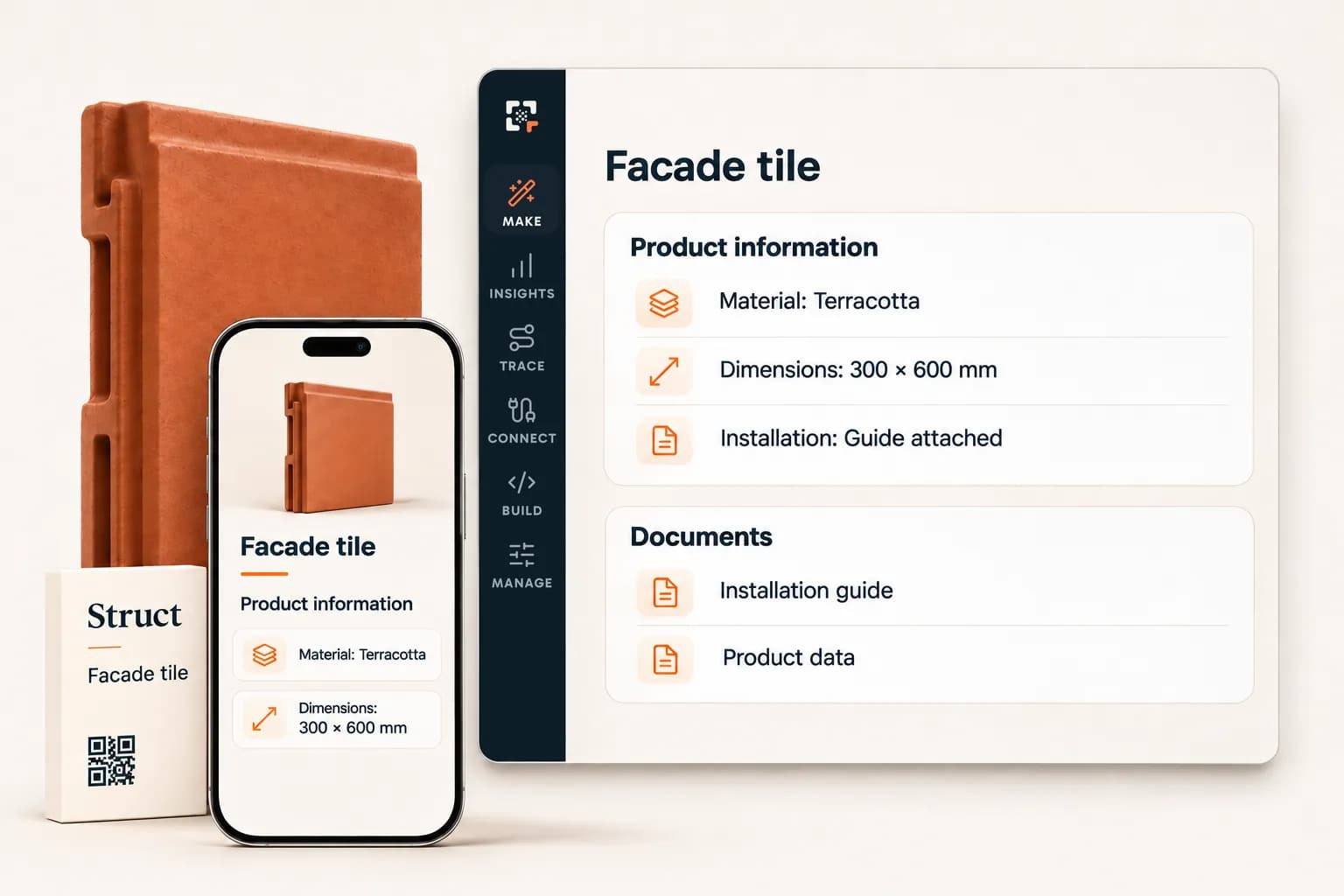
Keep the declaration of performance, the harmonised standard and the essential characteristics with each product, and show them on the Passport.
Construction products compliance pack
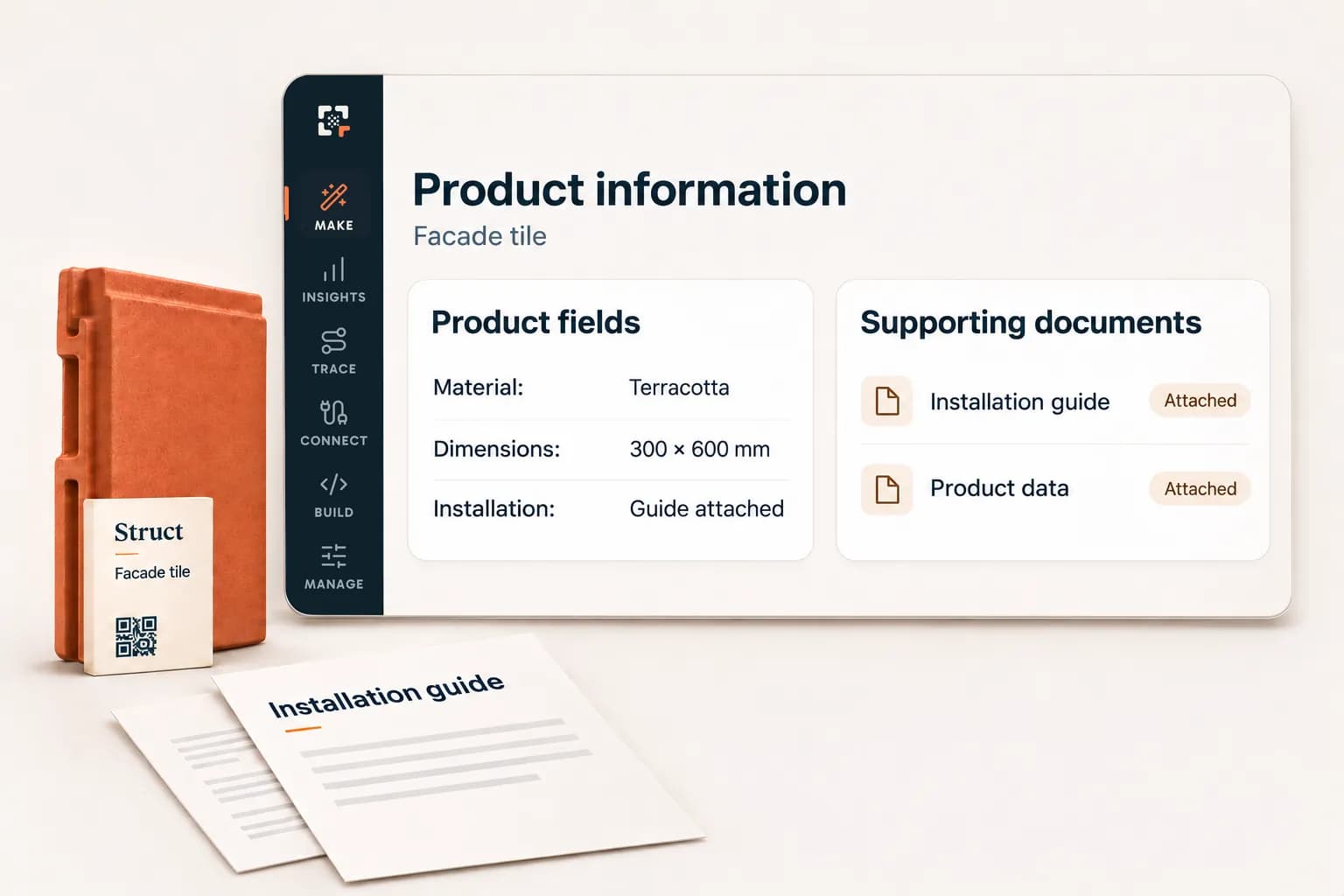
A field set for the product data a declaration of performance covers, such as thermal conductivity and reaction to fire class, plus CE marking information, batch and manufacturer.
Review before publishing
Check the data and the declaration before a passport goes live. Nothing is published until your team has reviewed it.
Evidence vault
Store test reports, declarations and certificates next to the product, ready for a customer, an inspector or a market surveillance authority.
Experience page for installers and owners
Installation instructions, maintenance and end-of-life information on a page in the reader's language.
AI extraction of declarations and test reports
RoadmapRead declarations and test reports into product fields, so you check the data instead of typing it.
Who this is for
This page is for manufacturers of construction products who sell in the EU, importers and distributors who place them on the market, and the consultancies and printers who work for them. If you advise construction product makers on compliance, see the partner programme.
Where the law stands
The new Construction Products Regulation (CPR), Regulation (EU) 2024/3110, applies from 8 January 2026. As before, the manufacturer issues a declaration of performance and a declaration of conformity for a product, and affixes the CE marking.
The regulation also provides for a digital product passport for construction products. The passport is expected to be set up under the CPR through a delegated act, with obligations following later. There is no final field list yet, so treat any list you see as a direction, not the legal text.
Follow the dates on our regulations timeline. This page is a summary, not legal advice. Compliance stays with the manufacturer or economic operator.
What QRabl gives you
One QR code on the product or on its packaging opens two pages.
- The Passport shows the structured data: the declaration of performance, the harmonised standard, the essential characteristics (for example thermal conductivity or reaction to fire class), the CE marking information, the batch, the manufacturer and environmental data such as the carbon footprint.
- The Experience page shows what an installer or building owner needs: installation instructions, maintenance and end-of-life information.
Behind the codes:
- A construction products compliance pack. It sets the fields for each product and marks the ones that are still empty.
- Review before publishing. Your team checks each passport before it goes live.
- Evidence vault. Keep test reports and declarations with the product. See the evidence vault.
- GS1 Digital Link-compatible QR codes. People get a readable page; software asking the same address gets JSON-LD.
- Hosted in the EU, on our own servers.
When the delegated act is adopted, we update the pack to match. You keep your data and fill in what is new.
On the roadmap
- AI extraction of declarations and test reports Roadmap into product fields.
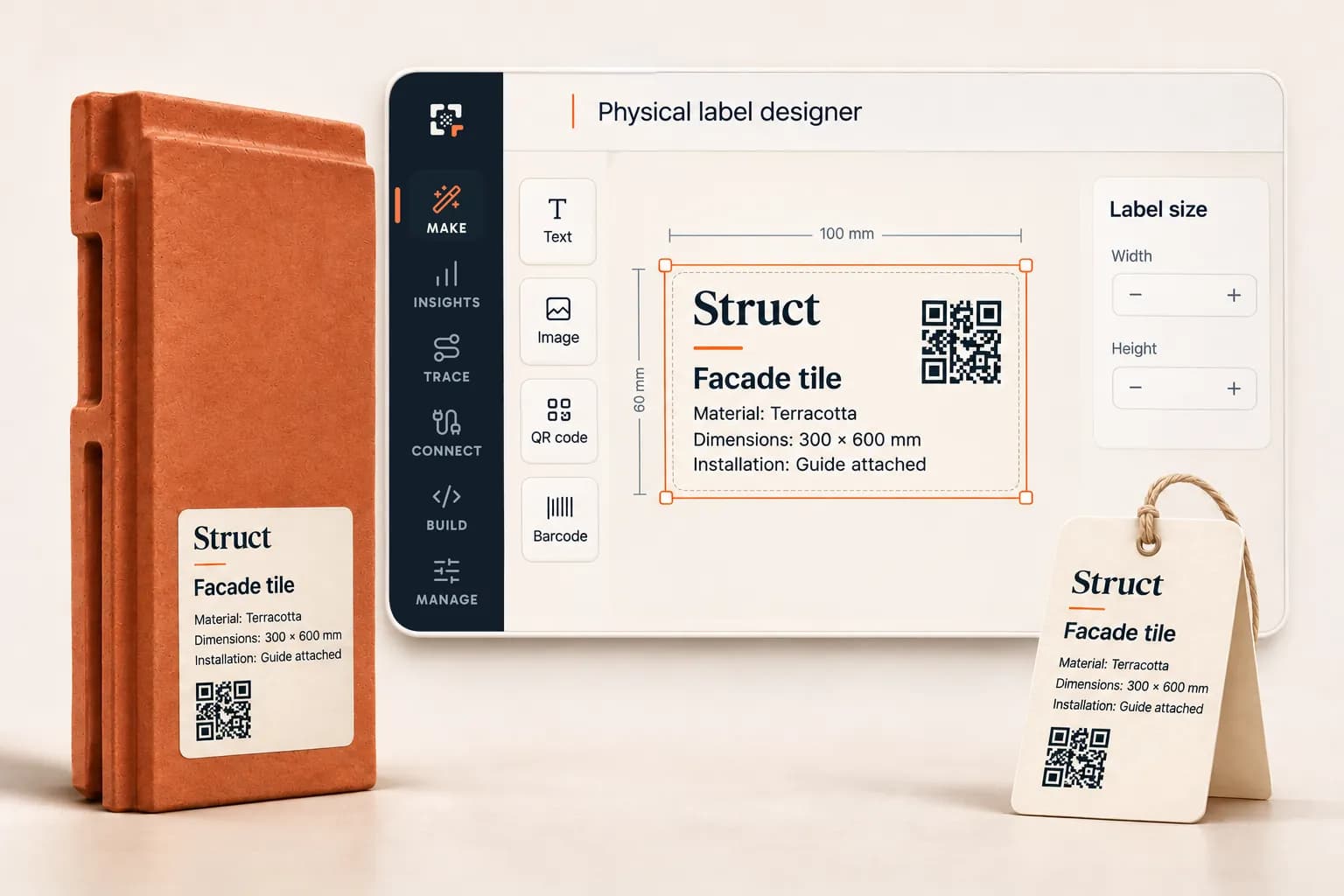
- Print-ready export for printers Roadmap, so a printer can place the code on packaging or product labels.
How to start
- Pick one product line. A small scope shows you quickly where the gaps are.
- Choose the construction products pack. It sets the fields for each product.
- Add your products. Import a CSV or Excel file, or add them one by one.
- Attach the evidence. Upload the declaration of performance and the test reports to the evidence vault.
- Review and publish. Check each passport, then publish it behind one QR code.
Not sure where you stand? Try the readiness check, or book a consultation and we will look at your products with you.