Ez az oldal még nem elérhető a te nyelveden, ezért angolul jelenik meg.
Digital labels for cosmetics
Keep the INCI list, period after opening and warnings for each product in one place. Publish them behind a QR code, with your brand story on the same code.
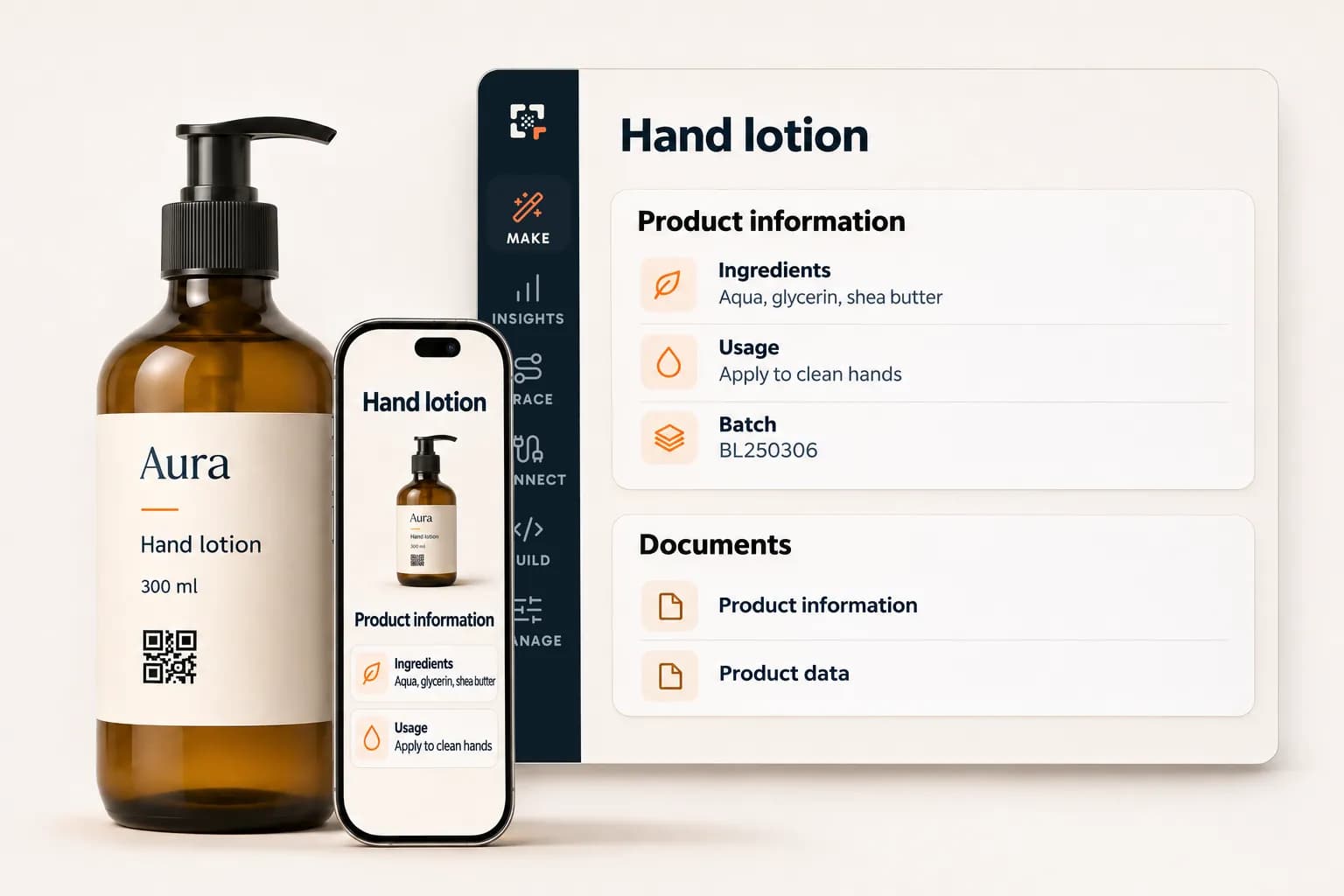
Cosmetics pack
A required INCI ingredient field, plus the responsible person, period after opening, warnings, batch number and net content, with help text on the key fields.
Restricted fields
The CPNP notification number and the safety assessment reference stay off the public label. Staff and handlers enter a PIN to see extra information.
Regulated data and your story
The Passport view shows the regulated information, the Experience view tells your brand story. Both sit behind one QR code.
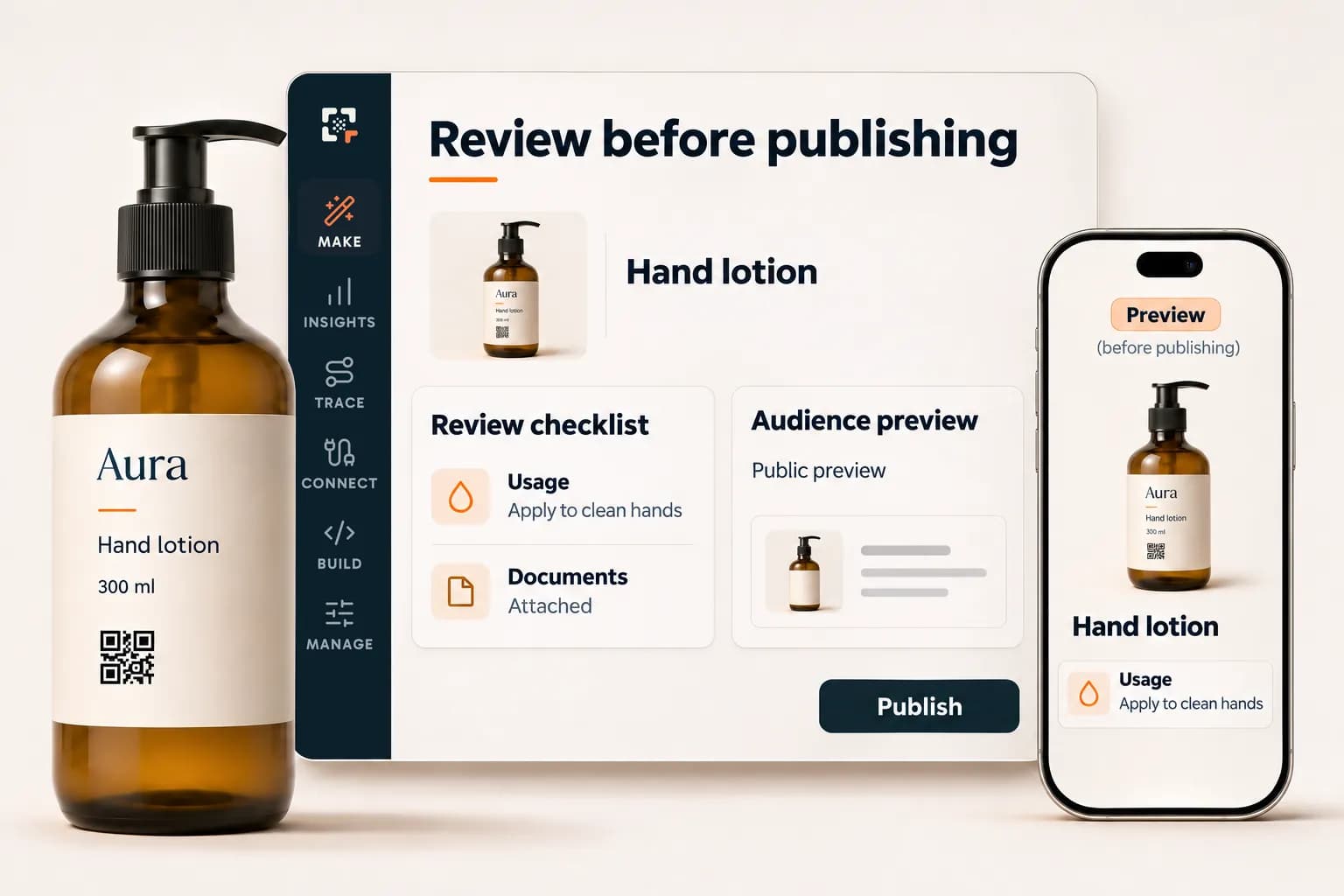
Review before publishing
The pack marks its required fields. Review the label, then publish it.
In your customers' languages
Translate product data into EU languages, depending on the plan.
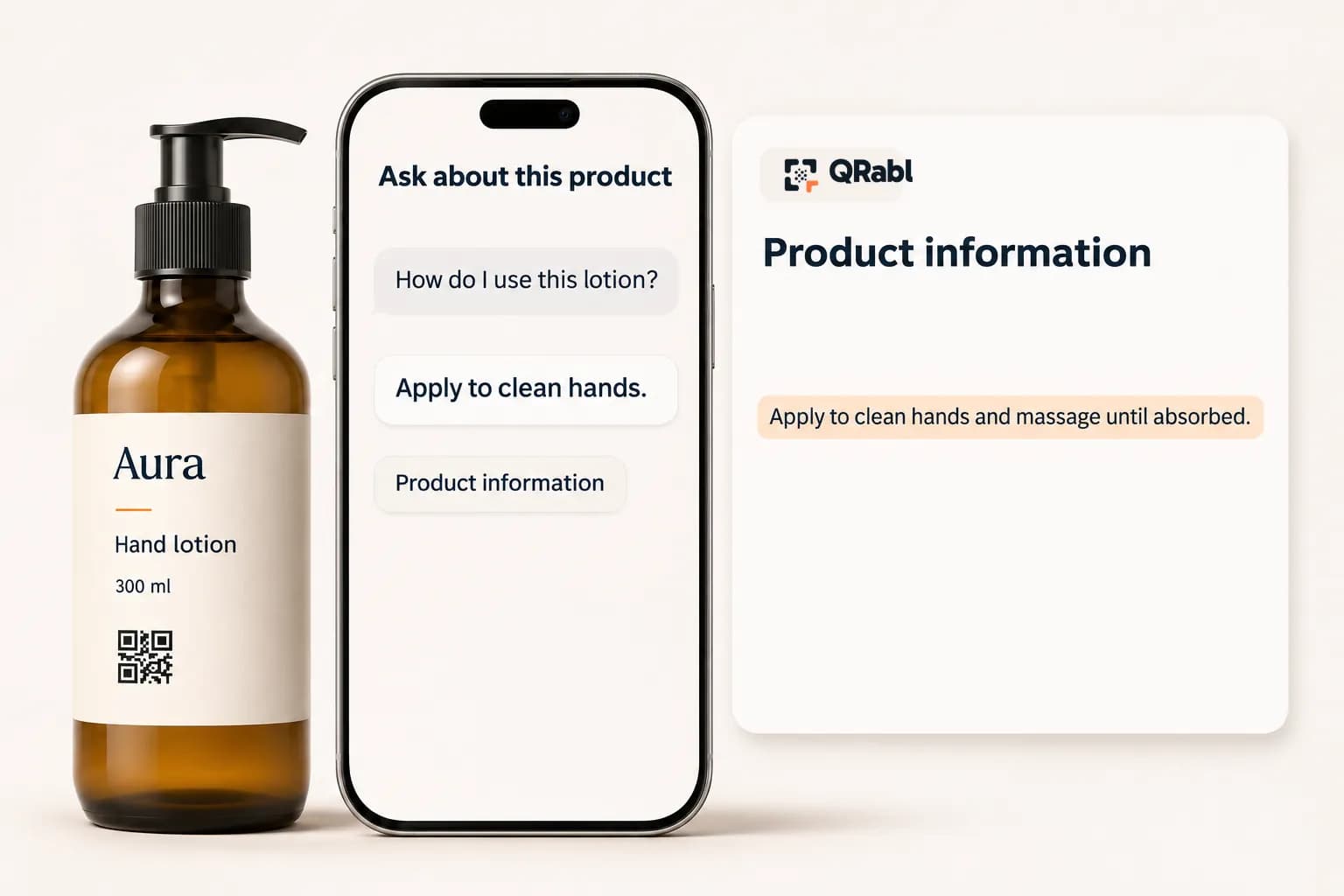
AI answers shoppers from your own documents
Shoppers ask about care, allergens or repair. The AI answers from the documents you upload: manuals, allergen sheets, repair guides.
Who this is for
This page is for cosmetics brands, contract manufacturers and responsible persons that place products on the EU market, and for the label printers and consultancies that work for them. For food, wine and feed, see the solutions overview.
What the law asks
Regulation (EC) No 1223/2009 sets what a cosmetic product's container and packaging must show. That includes the name and address of the responsible person, the nominal content, the date of minimum durability or the period after opening, precautions for use, the batch number, the function of the product and the list of ingredients, using the common ingredient names known as INCI names.
That information belongs on the product. A digital label adds to it: more detail, more languages and room to explain your ingredients, without changing the pack every time.
What QRabl does
The cosmetics pack
The pack has a required INCI ingredient field, with help text on the order of the list. It also asks for the product name, the responsible person, usage instructions, the period after opening, the batch number, the country of origin, the net content and allergen warnings for fragrance allergens. Optional fields cover precautions, the product function, claims substantiation, an animal testing statement, vegan or cruelty-free status and packaging recycling information. Help text explains the key fields and, where it applies, names the article of the regulation.
The pack does not check the INCI names themselves. That stays with you and your safety assessor.
Information for the right people
Some data is not for shoppers. The pack has fields for the CPNP notification number and the safety assessment reference, and keeps them off the public label. Staff and handlers enter a PIN to see extra information. See role access for how one code shows different views. Dedicated views for authorities go beyond the PIN.
Room for your story
Unlike wine e-labels, cosmetics labels may carry marketing content. Behind one QR code, the Passport view shows the regulated information and the Experience view tells your story: where your ingredients come from, how to use the product, what your brand stands for. Design the page in the label editor and style your QR code. The codes are GS1 Digital Link-compatible.
Import, review, publish
Add products one by one, or import them from CSV or Excel files. The pack marks its required fields, so you can see what is still missing. Review each label, then publish it. When a formula changes, update the product and publish again; the code on the pack stays the same.
Languages, evidence and recalls
- Languages — translate product data into your customers' languages, depending on the plan.
- Evidence vault — keep test reports, certificates and declarations with the product, on Professional and above. See the evidence vault.
- Recalls — start a recall and recalled products show a warning on their label page, on the Track & Trace and Enterprise plans.
More features
- AI answers shoppers from your own documents — Shoppers ask about care, allergens or repair. The AI answers from the documents you upload: manuals, allergen sheets, repair guides.
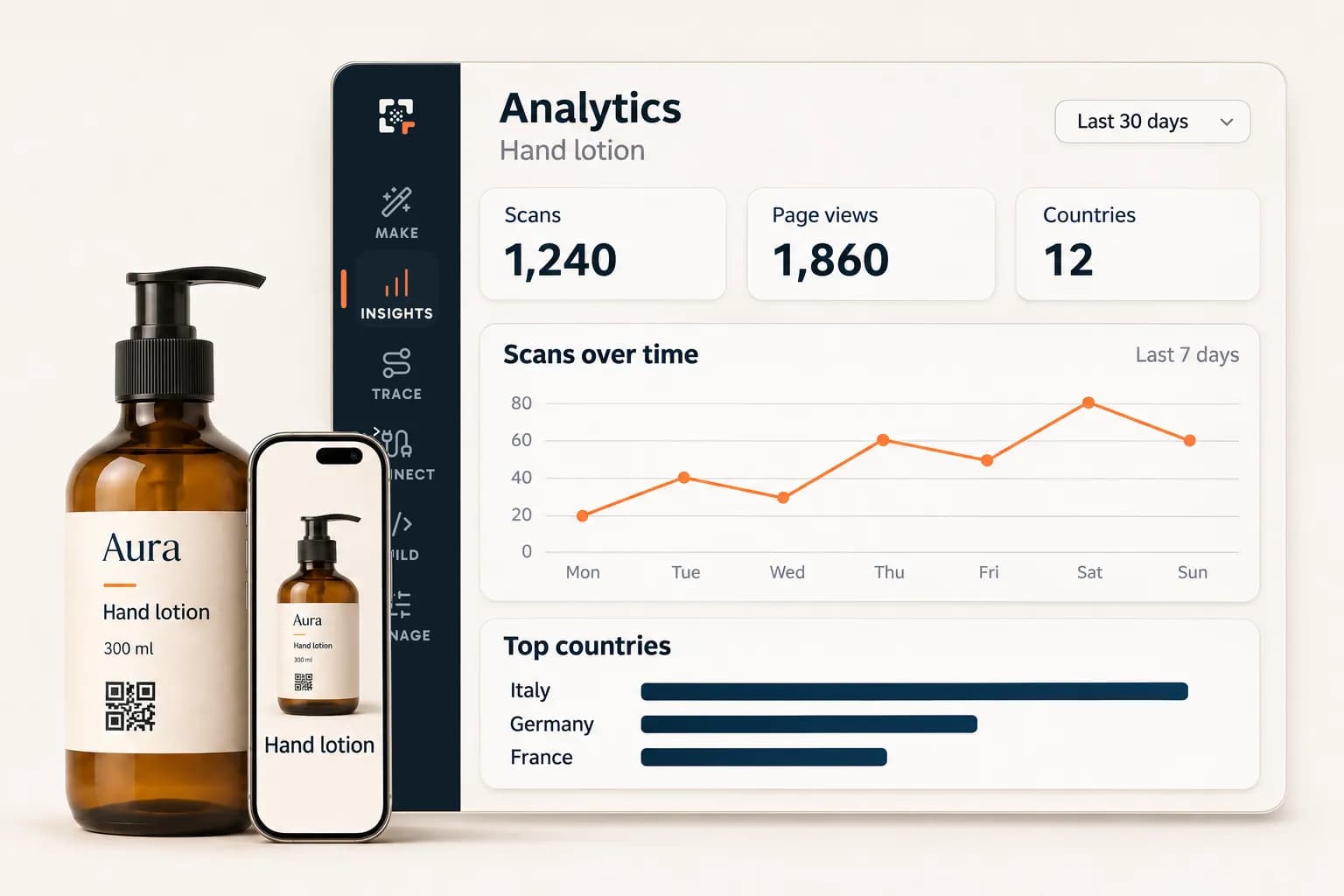
- Scan analytics dashboards — see which products are scanned, and where.
- Custom domains — the code on the pack points to your own domain.
How it works
- Choose the cosmetics pack. It sets the fields for each product.
- Add your products. Import a CSV or Excel file, or add them one by one.
- Complete the data. The INCI list, period after opening, warnings and the other required fields.
- Add your story. Build the Experience view in the label editor.
- Review and publish. Check the label, then publish it.
- Print the code. A QR code goes on the pack, beside the mandatory information.
What goes on your products stays your responsibility as the responsible person. Your labels are hosted in the EU, on our own servers.
Next step
Plans and what each includes are on the pricing page. If you have a large range, several brands or an import file to map, book a consultation.