このページはまだお使いの言語に対応していないため、英語で表示されています。
Test QRabl before you go live
A sandbox workspace where you build and test your integration with test data. Sandbox access is on request, after an NDA.
Sandbox on request
Apply through the partner application. After an NDA, we set up a sandbox workspace for you.
The REST API
Call API v1 with keys that belong to your sandbox workspace, using the OpenAPI document to build your client.
The whole passport flow
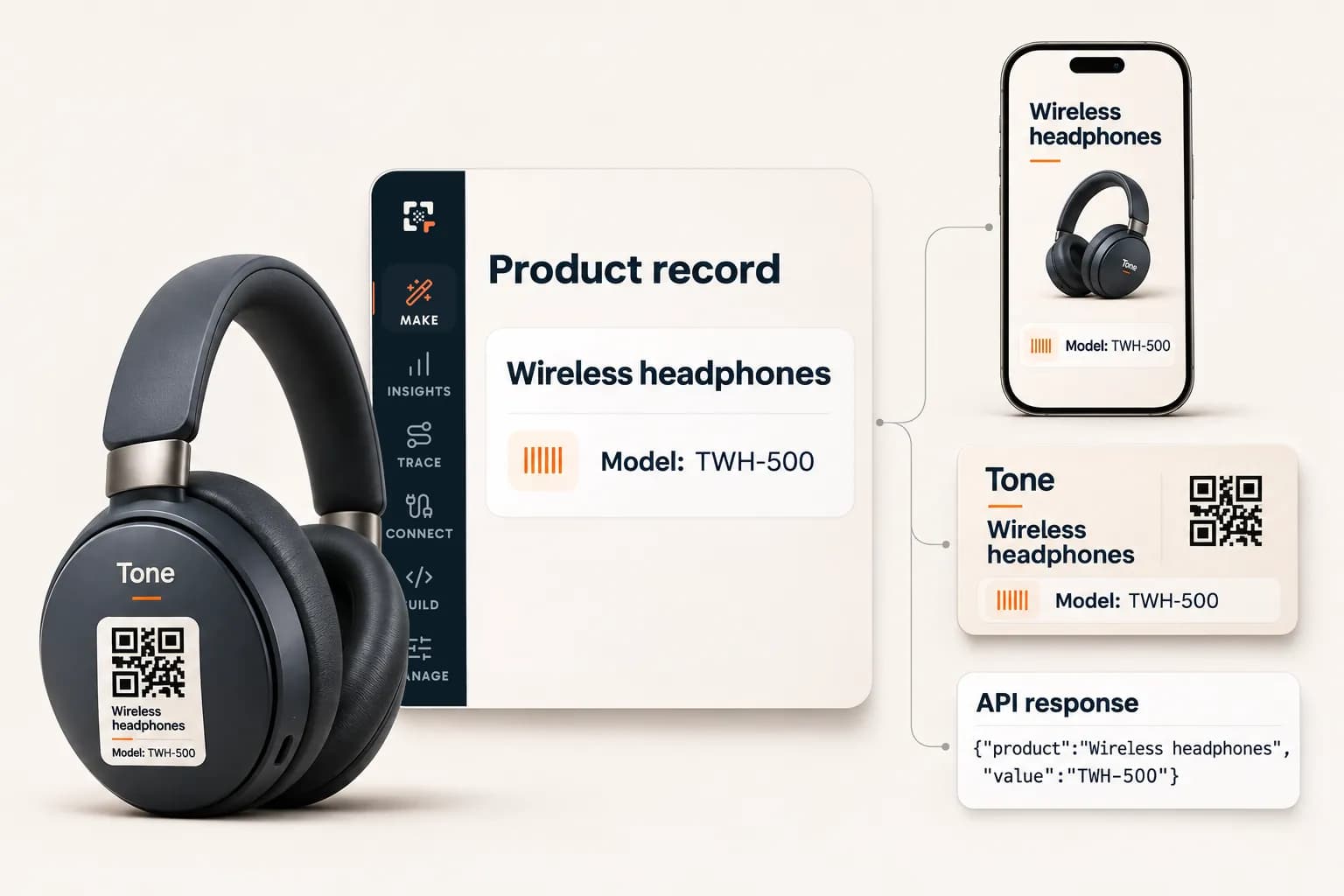
Create products, apply a compliance pack, review and publish, then scan the QR code and read the passport.
Instant sandbox
ロードマップCreate your own sandbox workspace and test key from the website, without waiting for us to set it up.
Who it is for
Teams that want to build on QRabl before they commit:
- Integrators connecting an ERP, PIM or shop system to product passports
- Label printers and packaging converters checking how codes and passports fit their print jobs
- Consultancies preparing client projects on QRabl
- Brand IT teams evaluating the API before they choose a plan
If you plan to resell QRabl under your own brand, the sandbox is also the first step of the partner programme.
How to get a sandbox
- Apply. Fill in the partner application and tell us what you want to build.
- Talk and sign. We talk through your project and sign an NDA. We onboard a small number of partners at a time, so we look at each request ourselves.
- Get access. We set up a sandbox workspace for you, with access to the API.
- Build and test. Work against the sandbox until your integration does what you need. When you are ready, move to a plan on pricing or a partner agreement.
Instant sandbox ロードマップ
Self-service provisioning: create a sandbox workspace and a test API key yourself, without waiting for us to set it up.
What you can test
Products and passports
- Create products and product models, and add your own custom fields
- Apply a compliance pack, such as food, wine, cosmetics, feed or battery, with its help text and required fields
- Review a passport and publish it as a digital label
- Open the public label page and switch between the Experience view and the Passport view
- Translate product data into EU languages and see the passport in the shopper's language
- Import products from a CSV or Excel file
QR codes and machine access
- Create GS1 Digital Link-compatible QR codes and short links
- Request a passport address as a machine and get JSON-LD back, or open the same address in a browser and get the label page
- Read a product's recall status in JSON-LD
The API
- Create API keys with
read,writeoradminpermission - Manage products, labels and QR codes through the REST API v1
- Generate a client from the OpenAPI document
- Check how your code handles errors: a missing key, a key without the right permission, invalid input
Access, recalls and evidence
- Give handlers a PIN and check what they see beyond the public view
- Start a test recall and check the warning on the passport
- Store certificates, test reports and declarations in the evidence vault
What we are building
- EPCIS 2.0 event capture and query
- Webhooks for passport and recall events
- Minting the codes of a print run in one call
Read more on EPCIS 2.0 and webhooks.
Ground rules
- Use test data. Don't load real personal data into a sandbox.
- Don't print sandbox codes. Passports in a sandbox are for testing, not for products on sale.
- Keep keys apart. An API key only works for the workspace it was created in, so a sandbox key cannot reach any other workspace.
Next step
Tell us what you want to build and we will come back to you about the NDA and your sandbox.