Esta página ainda não está disponível no seu idioma, portanto é exibida em inglês.
Security and trust for data that has to last
Passports stay online for years and hold data that is not for everyone. This is how QRabl protects it, keeps the evidence behind it and holds it for ten years, and what we don't claim.
Hosted in the EU
QRabl is hosted in the EU, on our own servers.
Multi-factor sign-in
Protect each account with an authenticator app and recovery codes. With MFA on, changes need the second step.
Workspace isolation in the database
Each workspace's data is separated by row-level security in the database itself, not only by checks in the application.
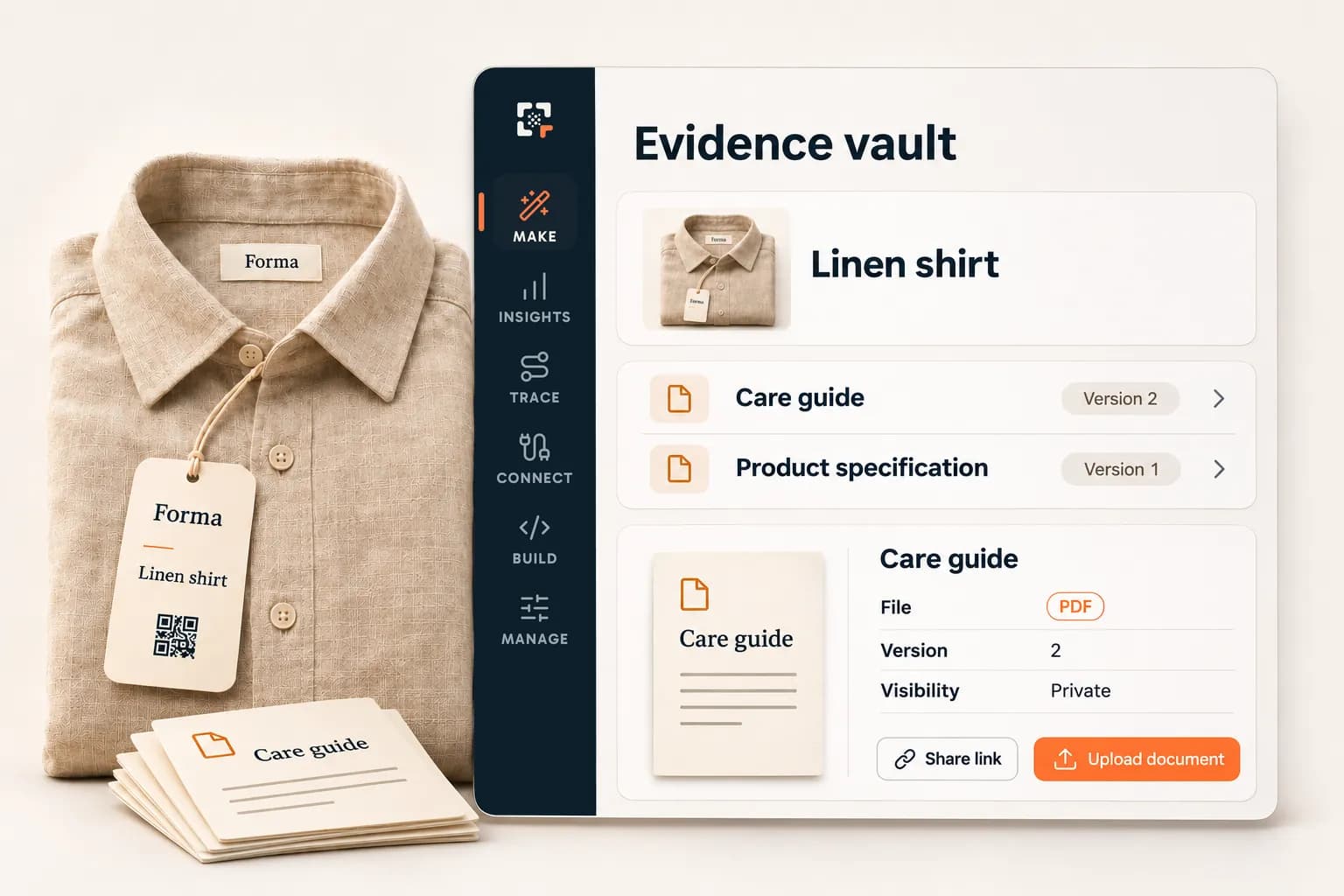
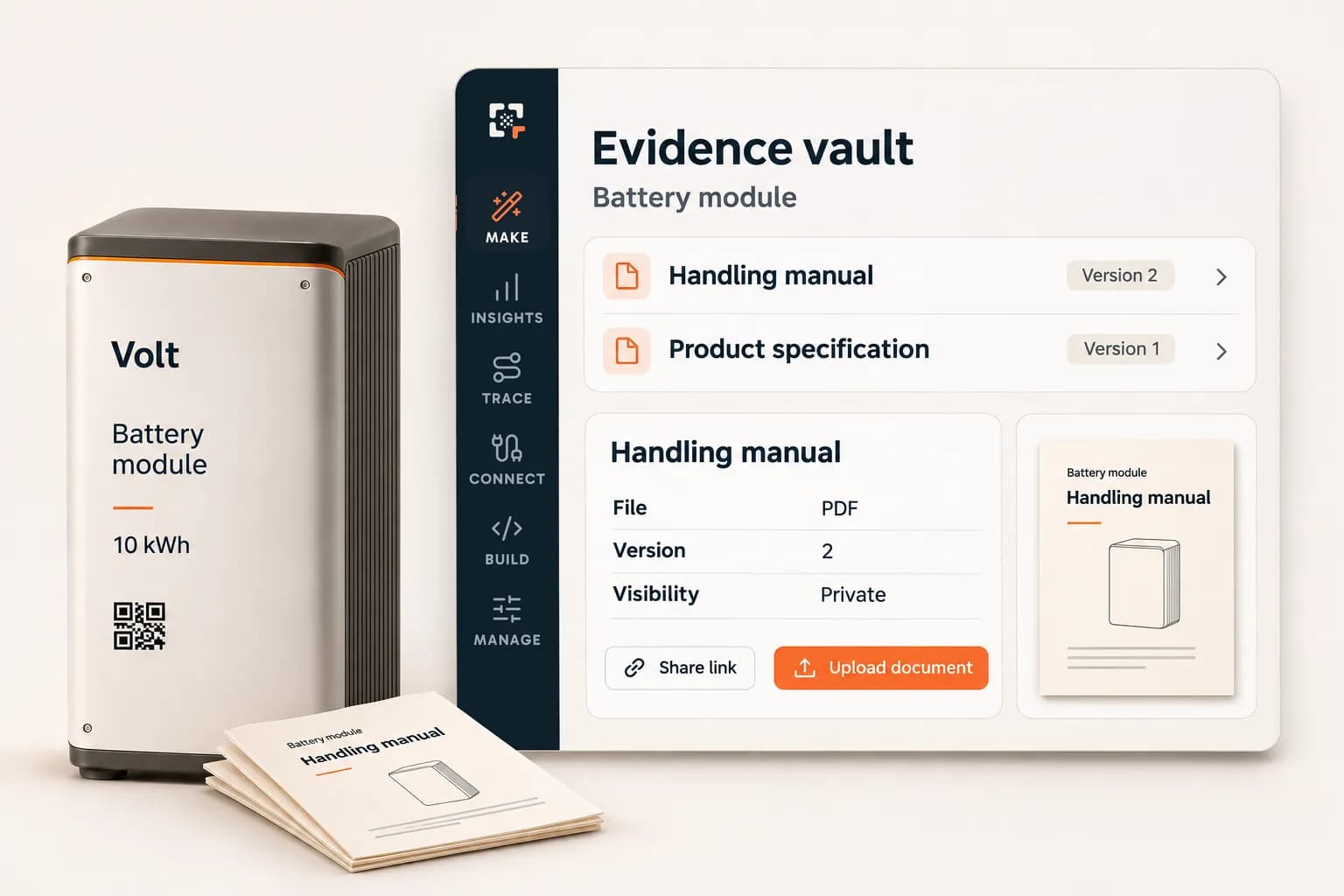
Evidence vault
Store lab and test reports, certificates, declarations of conformity, safety data sheets and supplier declarations with the product, each with a SHA-256 fingerprint.
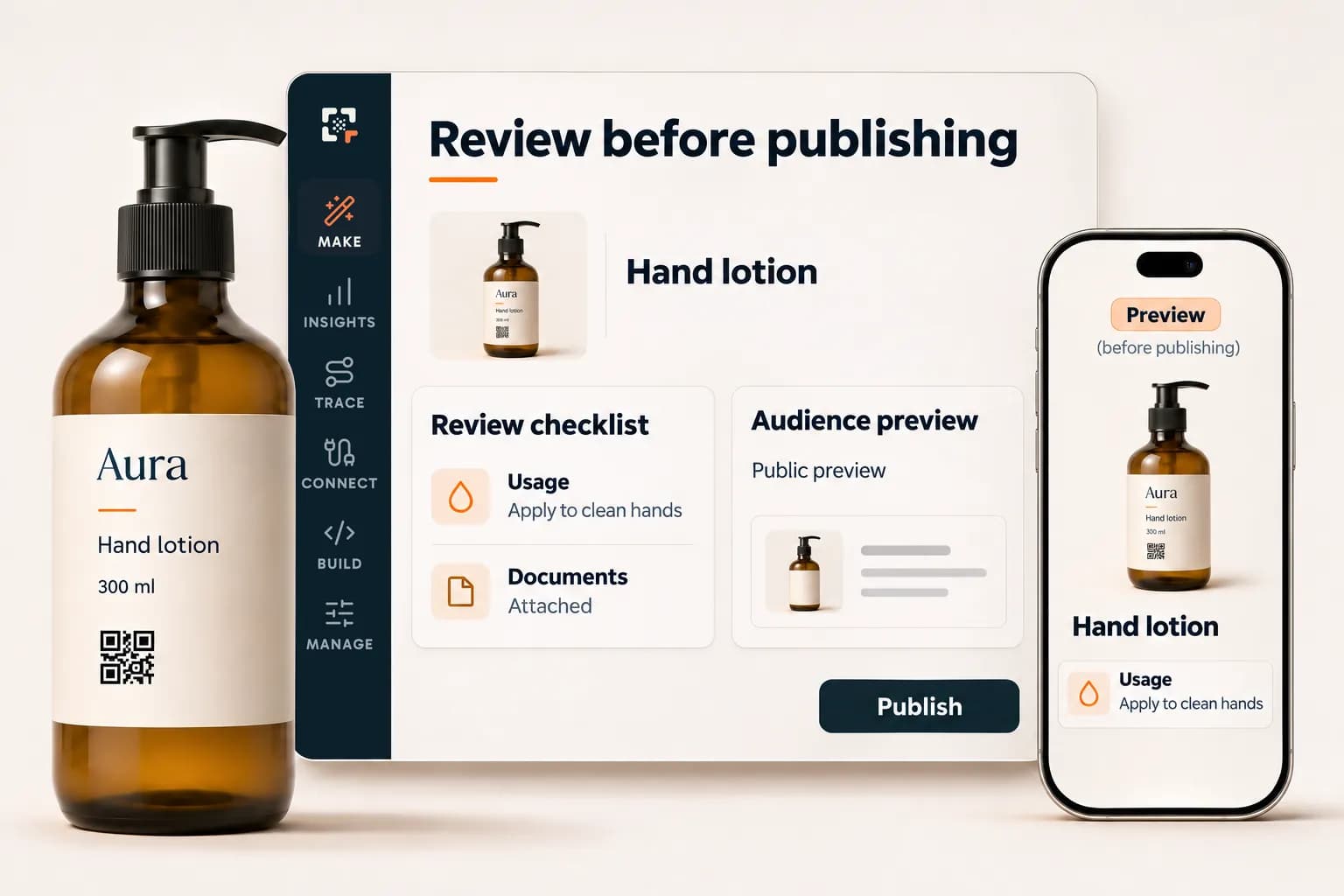
Review before publishing
Before a passport goes live, QRabl checks the passport page, the print label and the GTIN. You fix problems first, then publish.
10-year retention and legal holds
Passports and evidence kept for the full retention period, and a hold that stops records under investigation from being changed or deleted.
Signed QR codes and anti-counterfeiting
Codes and serial numbers that carry a digital signature, and checks that flag copied or revoked codes on scan.
Uptime commitment
99.5% on paid plans and 99.9% on Enterprise.
Single sign-on (SAML 2.0)
RoadmapSign in with your company's identity provider and manage access in one place.
Who this is for
IT, security and procurement teams who evaluate QRabl, compliance, quality and regulatory teams at brands, and partners who have to answer their own clients' security questions.
Where your data lives
QRabl is hosted in the EU, on our own servers.
- Multi-region data residency — choose the region where a workspace's data is stored.
Sign-in and access
- Multi-factor authentication. Each user can add an authenticator app, with recovery codes for a lost phone. Once MFA is on, the account must complete the second step before it can change data.
- Team members. You invite people into your workspace and remove them when they leave.
- API keys. Systems connect through the REST API with API keys, which you create and revoke in your settings.
- Single sign-on (SSO / SAML 2.0) Roadmap — sign-in through your company's identity provider.
Tenant isolation
Every table in the QRabl database has row-level security switched on, with a policy for who may read and write each row. Your products, labels and evidence are separated from other workspaces in the database itself, not only by checks in the application. Automated checks run on every database change to catch tables with missing rules.
The same thinking applies to the codes on your products. If another workspace publishes your GTIN, the resolver checks who holds the verified GS1 Company Prefix and refuses to guess when it can't tell. Read more on the GS1 Digital Link and JSON-LD page.
Audit trail
Actions such as publishing a passport, uploading evidence and rejected scans are written to an audit log. Each publish and status change of a passport is recorded in an append-only history, so you can see what changed and when.
- Audit trail export — export the audit trail and certificates for auditors and authorities.
Authentic codes
- Signed QR codes and serial numbers — each code carries a digital signature, so a scanner can check that the brand issued it.
- Anti-counterfeiting checks — copied or revoked codes are flagged when someone scans them.
The evidence vault
A passport makes claims. The evidence vault keeps the documents behind them with the product they belong to:
- lab reports and test reports
- certificates and declarations of conformity
- bills of materials and life-cycle assessments
- supplier declarations and safety data sheets
- filing receipts and other documents
For each document you decide whether it is public or stays private. Each file gets a SHA-256 fingerprint when you upload it, so you can show later that it hasn't changed. You can record when a certificate expires. When you upload a new version, the earlier versions are kept. Uploads are written to the audit log.
A compliance pack lists what the rules ask of a product: what to disclose, test, certify, register and keep. The conformance evidence matrix links each obligation to the evidence that meets it, with its status and deadline. You see the gaps before an inspector does.
Review before publishing
Nothing goes public by accident. Before you publish, QRabl shows a check:
- Is the passport page ready?
- If you use a print label, is its design approved?
- Is the GTIN valid, and not used by another product?
Problems are listed so you can fix them, and you can't publish until they are fixed. Publishing a batch that has passed its expiry date needs your explicit confirmation. For some sectors, such as batteries, missing mandatory fields also block publishing.
What people see when they scan is the version you published. Edits you make afterwards stay out of view until you publish again. Each publish and status change is recorded in the passport's history.
Retention and continuity
A printed code can stay on a product for ten years or more. The passport behind it has to last as long.
- 10-year retention and legal holds — passports and evidence are kept for the full retention period. A legal hold stops records under investigation from being changed or deleted.
- Backup copy at a second origin — published passports are also kept at a second, separate location, so they stay reachable if the main site is down.
- Provider continuity and handover — if a passport service provider stops, its passports move to another provider with their history, and printed codes keep working.
- EU DPP registry submission and passport portability — register passports in the EU registry and move them between providers.
- Compliance reporting and monitoring — see the compliance state of your catalogue and get told when something needs attention.
- Certificates and audit trail export — export evidence and history for auditors and authorities in one package.
Availability
Paid plans come with a 99.5% uptime commitment, and Enterprise plans with 99.9%.
- Public status page — see the platform's status and past incidents in one place.
Analytics
- Scan analytics dashboards — see which products are scanned, and where.
What we don't claim
QRabl does not hold ISO 27001 or SOC 2 certification, and we don't present it as certified by any standards body. What this page describes is how the platform works.
QRabl is built for ESPR and the Battery Regulation, but the platform doesn't make a product compliant. Your data and your evidence do. The vault and the review step help you keep both in order. Food and wine labels follow food labelling law and, for wine, Regulation (EU) 2021/2117; they are not ESPR passports, and the vault works for them in the same way.
If your procurement process needs written answers, a security questionnaire is available on request. Ask for it through contact sales.
Related
Role-based views of a passport are on Experience vs Passport views. How recalls reach affected products is on Track & Trace and operator PIN.
Next step
Book a consultation to go through your security requirements and the evidence your products need, or request the security questionnaire on the same form. If you run compliance projects for clients, read about the partner programme.